Swiftly detect, preview, and delete redundant duplicate files to reclaim gigabytes of valuable storage.
Scan and filter duplicate photos, videos, archives, and office documents effortlessly.
Intelligently mark redundant copies while keeping the original file untouched, saving manual sorting time.
Customize scanning parameters by file size, creation date, or specific excluded folders for maximum precision.

iSunshare DupFiles Genius enables you to check and delete duplicate files smartly. It is on your control to define the scan settings. You can skip to check the following files: system files and folders, hidden files and folders as well as program files.
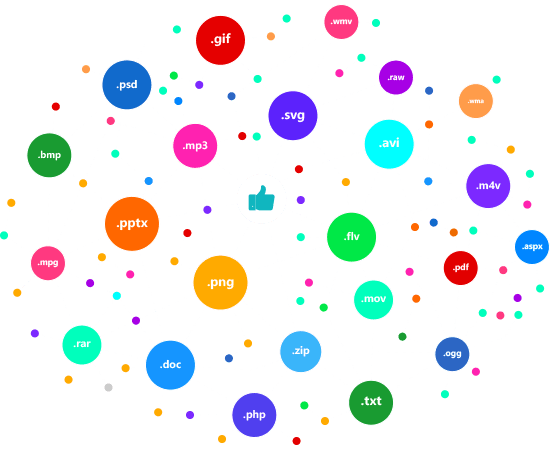
This software can help to find and delete all types of duplicate files including image, video, audio, document, archive and so on.
Image: JPG/JPEG, PNG, BMP, GIF, PSD, SVG, RAW, etc.
Video: AVI, MP4, MOV, FLV, WMV, M4V, 3GP, MPG, etc.
Audio: WAV, WMA, MP3, M4V, WMV, AAC, OGG, etc.
Document: DOC/DOCX, XLS/XLSX, PPT/PPTX, PDF, TXT, etc.
Archives: RAR, ZIP, ISO, etc.
Others: PHP, ASPX, MHT, etc.

Supported OS:
Supported Devices:
Disk Space:
CPU:
Can I preview the duplicate files before deleting them?
Yes, you can. After scanning, you can organize the files according to the file type. Besides, you can quickly locate the files and preview them.Is it possible to search the duplicate files which are larger than 100KB?
Yes, you can customize the scanning strategy to set the minimum size in 100KB. What's more, you can also define the maximum size.If I delete duplicate files by mistake, can I recover them?
No, you cannot. Once deleted, all files will be removed from the computer and it is difficult to get back the data.Does Windows 11/10 have built-in duplicate file finder?
There is no such duplicate file finder in Windows10/11. But you can download iSunshare DupFiles Genius to find and delete duplicate files on Windows 11/10.