All-in-One iOS Unlocker for Any Scenario

Easily solve various lock issues on your iPhone, iPad, or iPod Touch without technical skills.

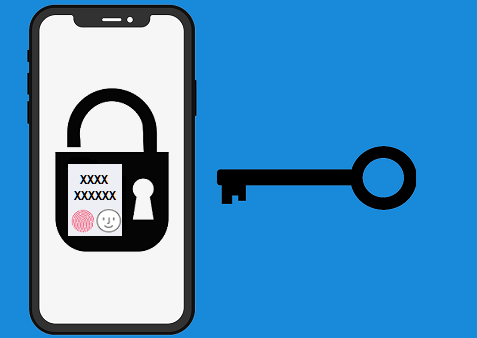
  • unlock screen passcode

    Unlock Screen Passcode

    Instantly remove 4-digit, 6-digit passcodes, Touch ID, and Face ID from locked or disabled iOS devices.

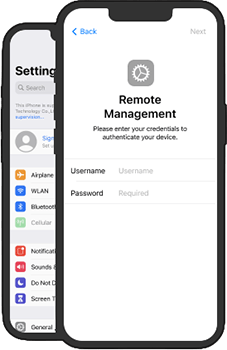
  • bypass mdm locks

    Bypass MDM Locks

    Remove Remote Management restrictions and login screens without requiring organizational credentials.

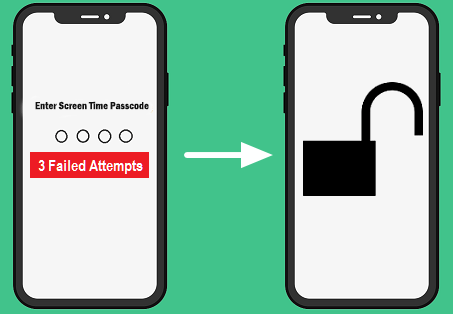
  • bypass screen time passcode

    Bypass Screen Time Passcode

    Quickly turn off restriction and bypass screen time passcodes without erasing your iPhone or losing any personal data.

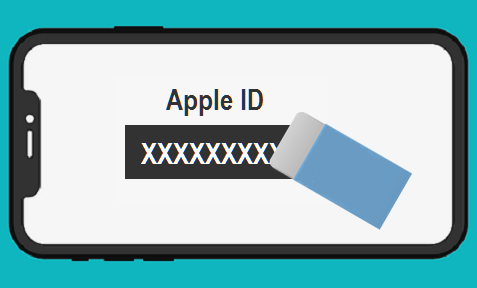
  • remove apple id

    Remove Apple ID

    Bypass the signed-in Apple ID without password to regain full access to all iCloud services.

  • manage ios passwords

    Manage iOS Passwords

    Easily find, view, and export saved Wi-Fi, app, and website passwords stored on your iPhone.

  • remove backup encryption

    Remove Backup Encryption

    Turn off iTunes backup encryption settings instantly to create new unencrypted backups.

unlock iphone forgotten passcode

Forgot iPhone/iPad/iPod Passcode? Unlock it Now!

Your iPhone/iPad/iPod get locked? iPhone Passcode Genius is capable of removing all types of lock screen for you, including 4-digit/6-digit passcode, Touch ID, Face ID, or custom numeric code, etc.

Remove Apple ID from iPhone/iPad without Password

This Apple ID removal tool for iPhone/iPad helps you to unlock Apple ID on activated iPhone/iPad when you forgot the Apple ID password. You can benefit a lot from removing Apple ID:

  • 1. Sign in with another Apple ID account
  • 2. Take advantage of all iCloud services & Apple ID features
  • 3. The iPhone cannot be tracked through previous Apple ID
  • 4. The previous Apple ID users cannot block/ erase the devices remotely

Notes:
If your iOS device is running iOS 11.4 or later, the Two-Factor Authentication & screen passcode should be enabled when you are going to remove the Apple ID. It will lead to the data loss of your iOS devices. If your iOS device is running iOS 10.2 to 11.4 with Find My [Device] enabled, you can remove Apple ID without data loss.

remove apple id
bypass screen time passcode

Bypass Screen Time Passcode with No Data Loss

iPhone Passcode Genius will quickly remove the screen time passcode from your iPhone without data loss in a few clicks.

Free your iPhone/iPad from all MDM restrictions

With MDM locks on your iOS devices, all your activities are under supervision and the functions can be restricted. What's more, others can remotely erase or lock your devices. With this MDM bypass tool, you can easily gain the full control of the iPhone and iPad.

  • 1. Unlock MDM activation screen
  • 2. Bypass Remote Management without a username and password
  • 3. Remove MDM local profile from locked iDevices in clicks
  • 4. Get out of supervision mode and access your devices with no restriction
remove MDM

What Devices Does iPhone Passcode Genius Support?

Operation System Supported

  • Mac OS: macOS 10.13 and later
  • Windows OS: Windows 11/10/8.1/8/7/Vista/XP/2000 32-bit and 64-bit System

Processor

  • Intel
  • AMD 2GHz CPU
  • Other higher versions

Memory and Free Disk Space

  • 20 MB or more space
  • 512 MB or higher Memory

Supported Devices

  • iPhone 18/17/Air/16/15/13/12/11/XS/SR/X/8/7/SE/6/5 Series
  • All series of iPad, iPad Mini,iPad Air, iPad Pro
  • iPod Touch 7/6/5/4/3/2/1

Frequently Asked Questions on iPhone/iPad Unlock

We Promise

promise
clean
service

Our Customers Are Also Using:

iTunes Password Genius

iTunes Password Genius

Recover iTunes Password to Unlock iPhone/iPad/iPod Backup Easily

Learn More
Windows Password Genius

Windows Password Genius

An effective tool to reset Windows login password when you forgot the password.

Learn More