Modify Your iPhone Location for All Major App Seamlessly
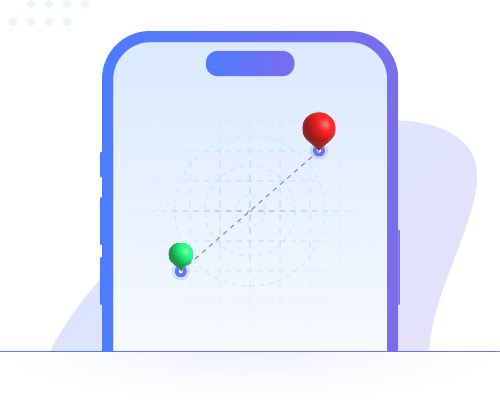
With our powerful virtual location changer for iPhone, you can teleport your GPS location anywhere in the world—instantly and safely. Besides, you can simulate GPS movement in multiple modes.
One-Click Location Change
Set a virtual GPS location on your iPhone in seconds—perfect for gaming, dating, and social apps.
- Enjoy location-based games without walking
- Fake GPS location on social media apps
- Spoof your location on dating apps to match more friends
- Real-time location sharing control to protect the privacy
Customize the Virtual Movement
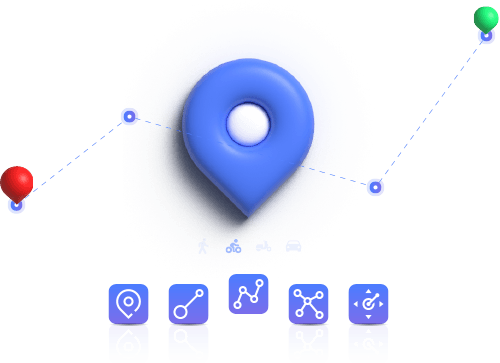
You can create a custom route and simulate walking, cycling, or driving with adjustable speed. 5 Modes are offered here for you to simulate realistic movement, which makes it extremely easy to play located-based games like Pokémon GO without going outside.
- Modify Location: Change your current location to the destination instantly.
- Single-Spot Movement: Simulate stationary GPS movement with a single-spot.
- Multi-Spot Movement: choose multiple points to craft a realistic GPS route.
- Jump Move: Quickly Jump to each location.
- Joystick Movement: Manually control your movement direction.
Control Your Movement Direction with Joystick
You can take full control of the GPS movement direction with the GPS joystick or keyboard, which makes your AR games more realistic.
- 360-Degree Direction: Move to any direction freely.
- Keyboard Control: Control the move direction with W, A, S, D keys.
- Seamless Auto Navigation: Just click to go—effortlessly modify your route while moving.
Supports All Major Apps
Works seamlessly with Pokémon GO, Life360, WhatsApp, Bumble, Facebook, and more.
- Game apps: Pokémon GO, Monster Hunter Now, Soundmap, Ingress Prime and etc.
- Social apps: Life360, WhatsApp, Facebook, Twitter, Snapchat…
- Dating apps: Bumble, Tinder, Grindr, Hinge…
- Others: Find My, TikTok, Apple Map…