By Michael | Last Updated
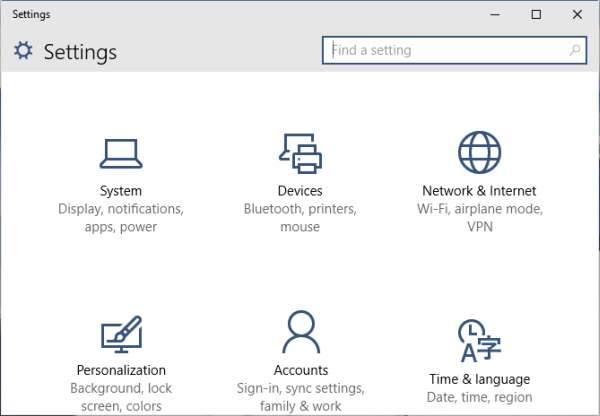
Windows Settings (also known as PC Settings) is the modern interface to manage your system—adjust display, manage accounts, update apps, and much more. Whether you're a power user or a casual user, these three quick ways help you access Settings instantly.

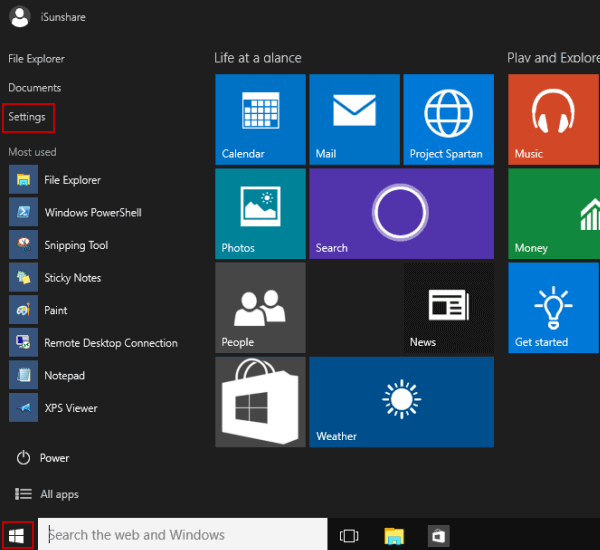
Click the lower-left Start button on the desktop to expand Start Menu, and then select Settings in it.

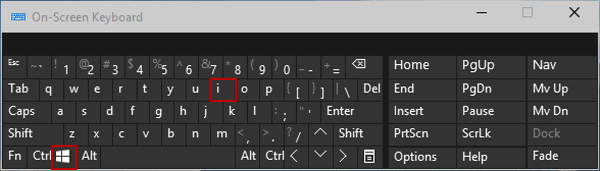
Press Windows+I on the keyboard to access Settings.

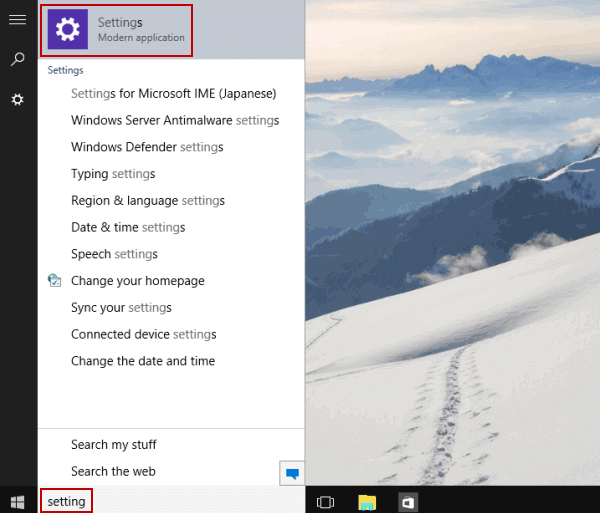
Tap the search box on the taskbar, input setting in it and select Settings in the results.

Related Articles:
How to Reset Windows 10 Forgotten Password
How to Bypass Windows 10 Password Login with/without Password
Easy Guide to Reset Windows 10 Admin Password Like an Expert
4 Tips to Change Windows 10 Password without Knowing Current Password
Can't Sign into Microsoft Account Windows 10 | Account Locked/Blocked