We use cookies for personalizing content and ads and providing social media features. Your usage information on our website will be used for social media, advertising, and traffic analytics, or shared with our partners. Clicking "Accept" means you agree to use our cookies .
If you encounter Error 4013 while restoring or updating your Apple iPhone, it usually means the device cannot properly communicate with your computer. This error often appears when using iTunes or Finder and can interrupt updates or restores.
The good news is that Error 4013 is usually fixable with a few troubleshooting steps. In this guide, we’ll explain the causes and show you how to fix it quickly.
Error 4013 is a restore/update error that happens when:
The connection between your iPhone and computer is interrupted
The device fails to complete a system update
Hardware or software issues prevent proper communication
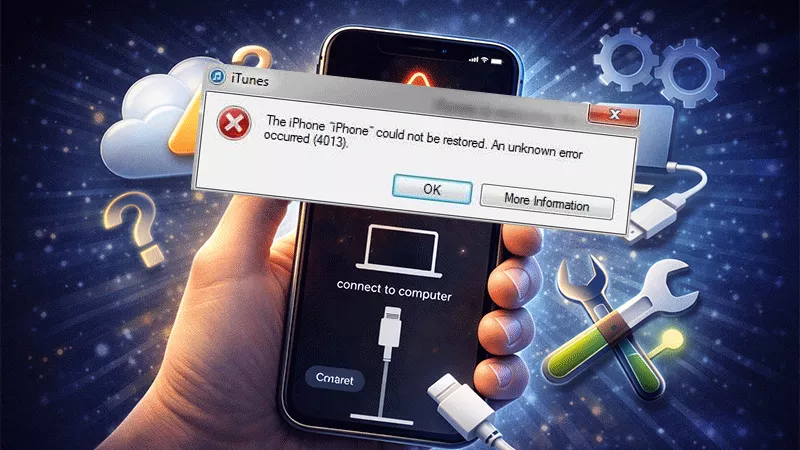
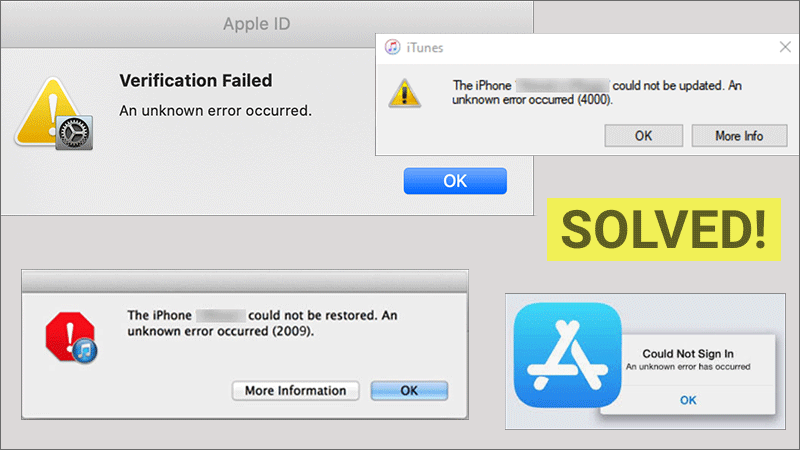
It often appears with messages like: “The iPhone could not be restored. An unknown error occurred (4013).”
Why Error 4013 happens on your iPhone?
Several factors can trigger this error.
1. Faulty USB Cable or Port
A damaged cable or loose connection is one of the most common causes.
2. Outdated iTunes or System Software
Older versions of iTunes or your operating system may not communicate properly with your iPhone.
3. Software Glitches in iOS
A failed update or corrupted system files in iOS can lead to this error.
4. Hardware Issues
In rare cases, internal hardware problems (like the logic board or connectors) may cause Error 4013.
Fixes to iPhone Error 4013
Fix 1: Check Your USB Cable and Port
A stable connection is essential for restoring your device. You should use an original Apple-certified cable. Or you can try a different USB port when encounter the error 4013. Besides, it is recommended to avoid using USB hubs or adapters.
Fix 2: Force Restart Your iPhone
A force restart can clear temporary glitches. For newer iPhones, press Volume up and Volume down button. After that, hold the side button until the Apple logo appears.
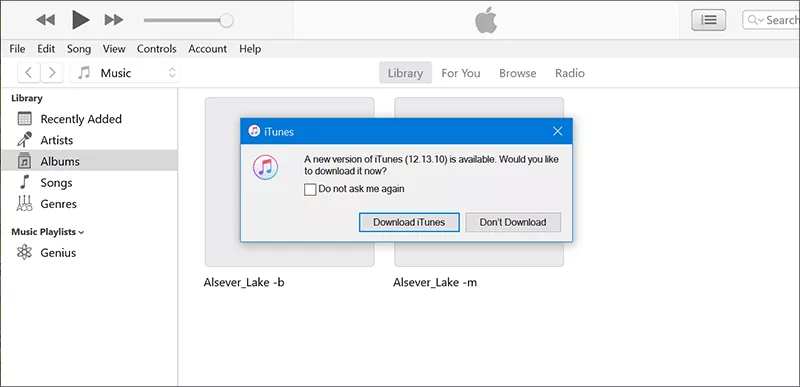
Fix 3: Update iTunes or Finder
You should ensure iTunes or Finder is in the newest version. For Windows users, update iTunes. For Mac users, update macOS (Finder handles restores).
Fix 4: Put iPhone in Recovery Mode
Recovery Mode allows you to reinstall the system. You can check detailed steps in this article.
Fix 5: Try a Different Computer
Sometimes the issue is with your computer, not the phone. You can try another PC or Mac to see whether the iPhone error 4013 happens or not.
Fix 6: Use iOS Repair Genius
If the error 4013 is caused by the software issues, you can try iSunshare iOS Repair Genius to resolve the error without data loss. This reliable iOS repair tool can deal with all kinds of software glitches and iTunes errors in simple clicks. It is easy to get your iPhone back to normal with no risk in data loss.
iSunshare Reliable iOS Repair Software
Solve almost over 100 iOS issues, include iPhone black or white screen.
Two modes for iOS repairs.
Easily downgrade or upgrade iOS with no jailbreak.
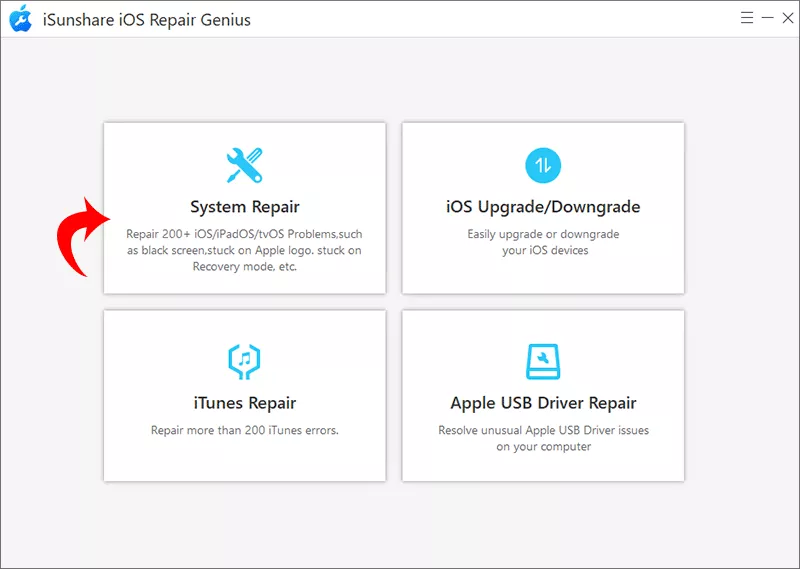
Step 1: Open iSunshare iOS Repair Genius on your computer. On the main interface, choose the System Repair option.
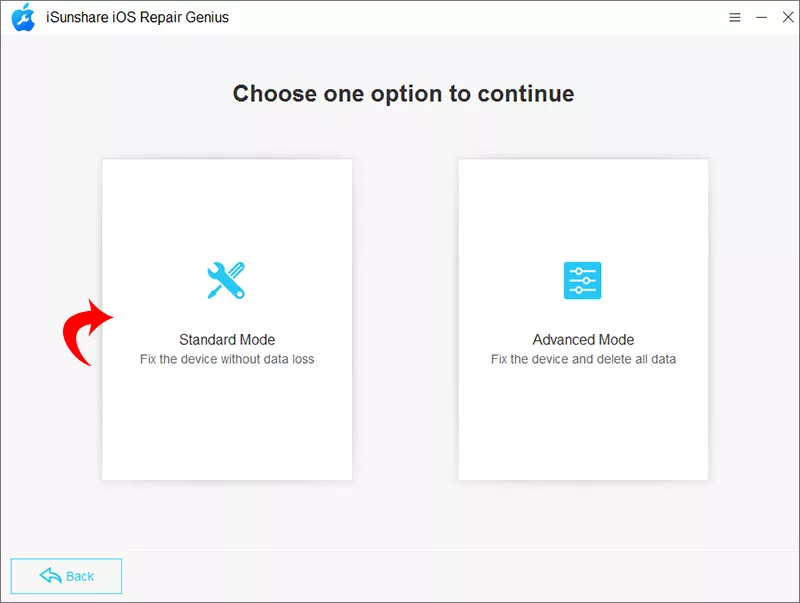
Step 2: Select the Standard Mode to fix iPhone error safely.
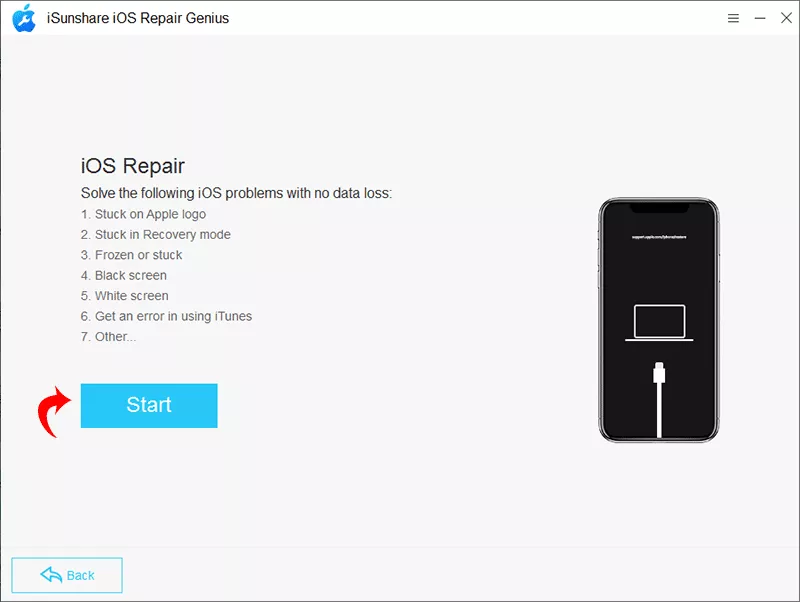
Step 3: Hit the Start and then the Next button to make sure your iPhone is successfully detected.
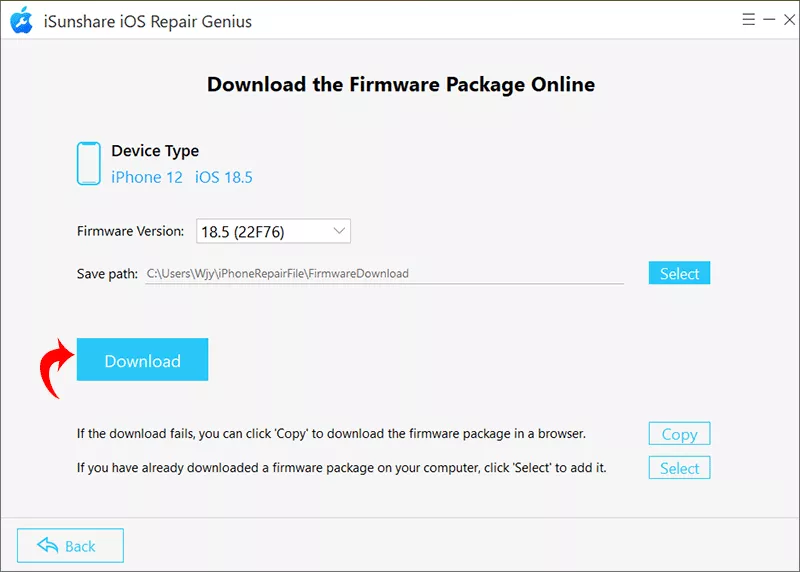
Step 4: After the software loads your iPhone information, click the Download button to download the firmware.
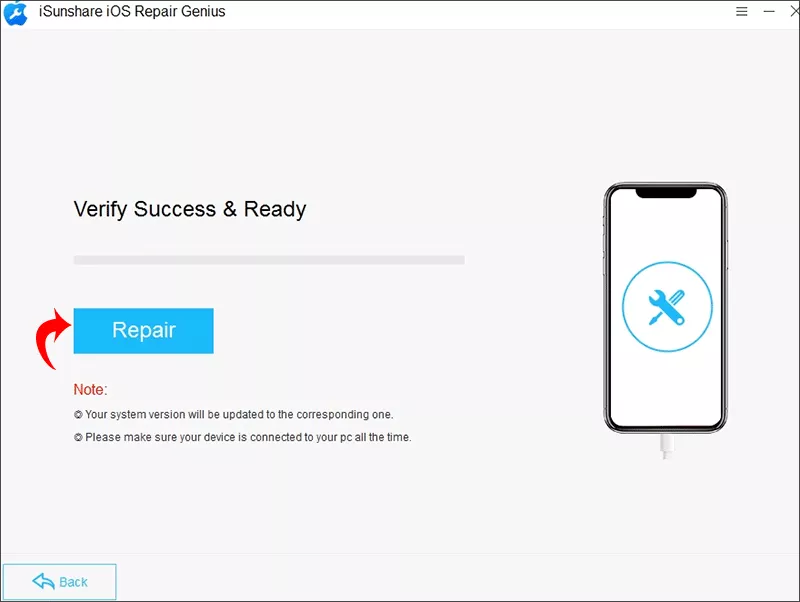
Step 5: Hit the Repair button and wait for the process to end. After that, you can open iTunes or Finder to continue the restore or update process.
Fix 7: Check for Hardware Problems
If none of the above solutions work, the issue may be hardware-related. Signs include: device disconnecting randomly, iPhone not recognized by computer, repeated restore failures. In this case, contacting Apple Support or visiting a repair center is recommended.
FAQs on iPhone Error 4013
Is Error 4013 a hardware problem?
Not always. It’s often caused by connection or software issues, but it can indicate hardware failure in rare cases.
Can I fix Error 4013 without a computer?
No. You need a computer with iTunes or Finder to resolve this error.
Is Error 4013 the same as Error 4014?
They are similar and usually related to connection or hardware issues.
Summary
iPhone Error 4013 can be frustrating, but it’s usually caused by connection issues, outdated software, or temporary glitches. By checking your cable, updating iTunes, and using Recovery Mode or iOS Repair Genius , you can resolve the problem in most cases. If the error continues after trying all fixes, it may indicate a hardware issue that requires professional repair.